
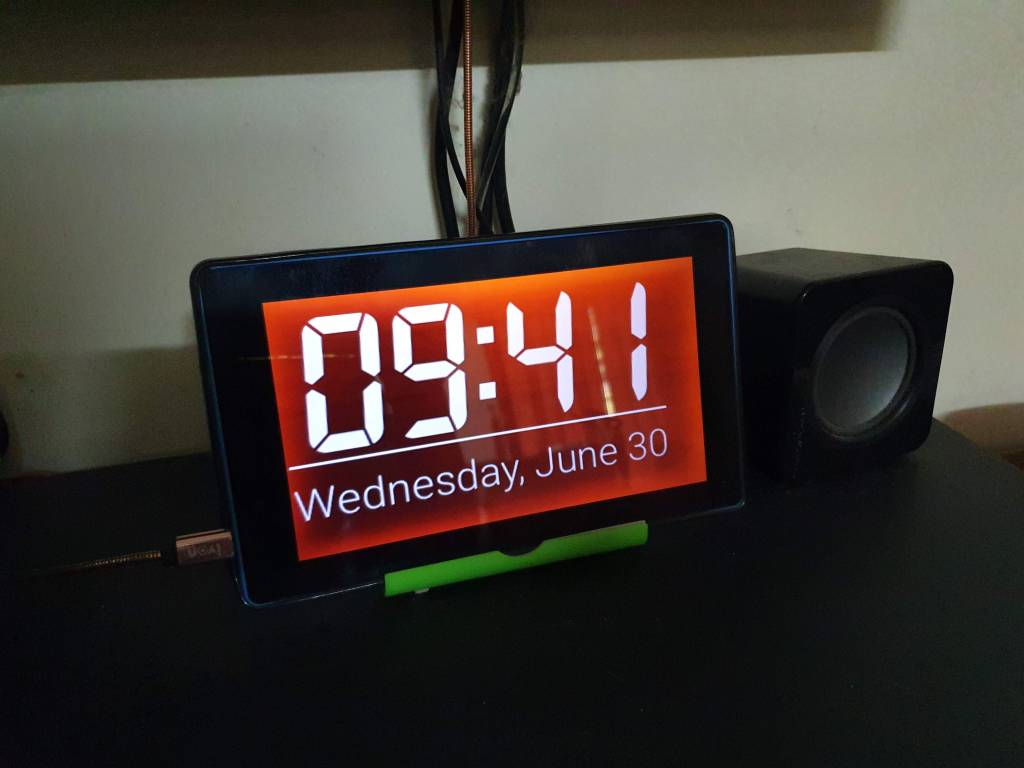
What needed?
- A faulty or unused Lenovo Tab TB3-710i, or any other Android device (perhaps with big LCD screen)
- Day and night clock app (download here, or any other app which support Daydream)
- Device stand, DIY or a cheap one
- A USB cable to charge (I charge from my TV)
- Optional: MacroDroid – Device Automation app to refresh the Day and night clock app (download here)
Steps
- Optional: Reset the device to factory settings
- Install the Day and night clock app
- Configure the Day and night clock app:
- Set the Autostart to enable
- Customize the Clock layout
- Behaviour > Screen burn protection > Move the clock around
- Others, accordingly
- Connect the USB cable, place the device, done!
Additional
I installed iSolat app for prayer azan (download here)
 Hilman Family Blog