Symptoms
- Some faces not showing in Google Photos Album (People & Pets). This also affected the android app.
- The faces or names is searchable.
Solution
Step 1
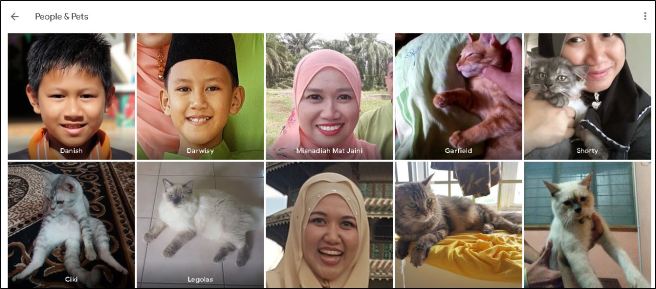
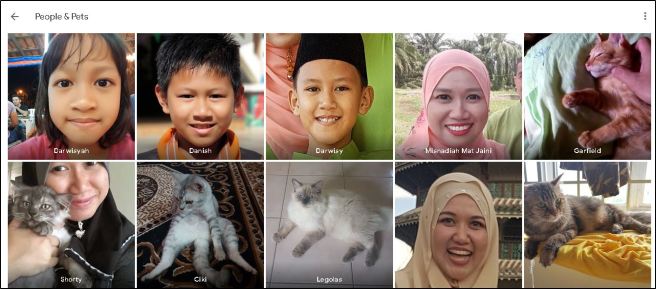
Go to Google Photos > Albums > People & Pets
As example below, my daughter’s face (Darwisyah) is missing.
Step 2
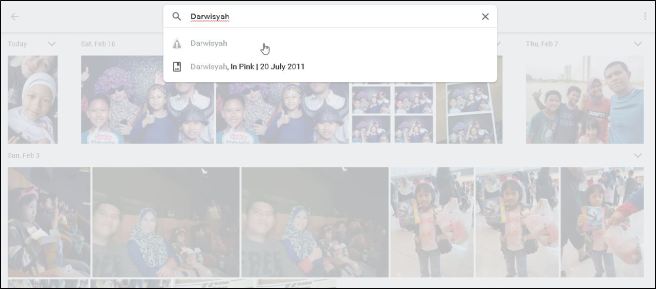
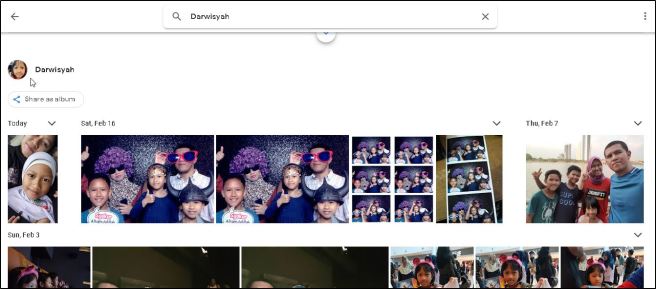
Search for the name. You may notice some kind of error icon from the result list.
Step 3
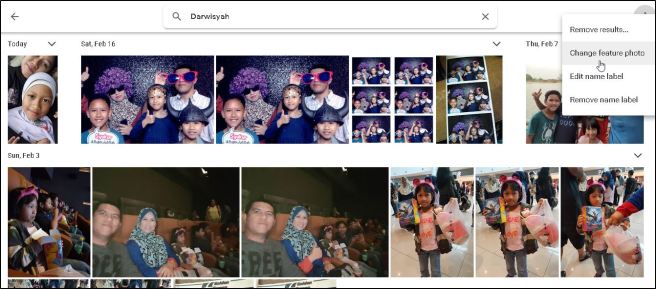
From the result page, click the menu (3 dots icon) then choose “Change feature photo”.
Step 4
From the “Select photo” window, choose a feature photo of missing face.
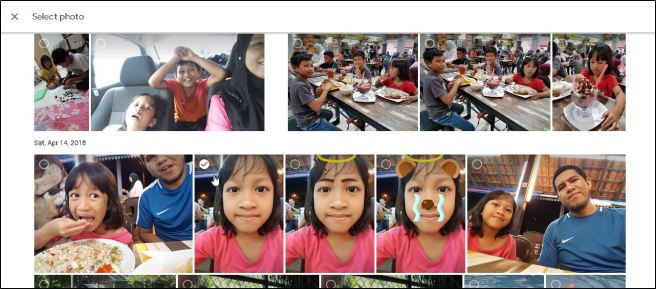
Once selected, the icon of the people will be shown.
Step 5
Now go back to Albums > People & Pets. You will see the missing face 🙂
 Hilman Family Blog